RAM
Entdecke den vollständigen Katalog des Gaming-RAMs auf FPSpilot. Jedes Kit enthält Typ (DDR4/DDR5), Geschwindigkeit, Kapazität und kompatible Mainboards. Finde den besten Arbeitsspeicher für deinen AMD AM5, AM4 oder Intel Build.

ADATA
XPG Lancer Blade RGB DDR5 32GB (2x16GB) 6000MHz

ADATA
XPG Lancer DDR5 32GB (2x16GB) 6000MHz

ADATA
XPG Lancer DDR5 16GB (2x8GB) 5200MHz

ADATA
XPG Spectrix D50 32GB (2x16GB) 3600MHz
ADATA
XPG Gammix D10 16GB (2x8GB) 3200MHz
ADATA
XPG Gammix D30 16GB (2x8GB) 3200MHz
ADATA
XPG Spectrix D60G 16GB (2x8GB) 3600MHz

Corsair
Dominator Platinum RGB DDR5 64GB (2x32GB) 6600MHz

Corsair
Vengeance DDR5 64GB (2x32GB) 6000MHz
Corsair
Vengeance RGB DDR5 64GB (2x32GB) 6000MHz

Corsair
Vengeance RGB DDR5 48GB (2x24GB) 6000MHz

Corsair
Dominator Titanium 32GB (2x16GB) 6400MHz
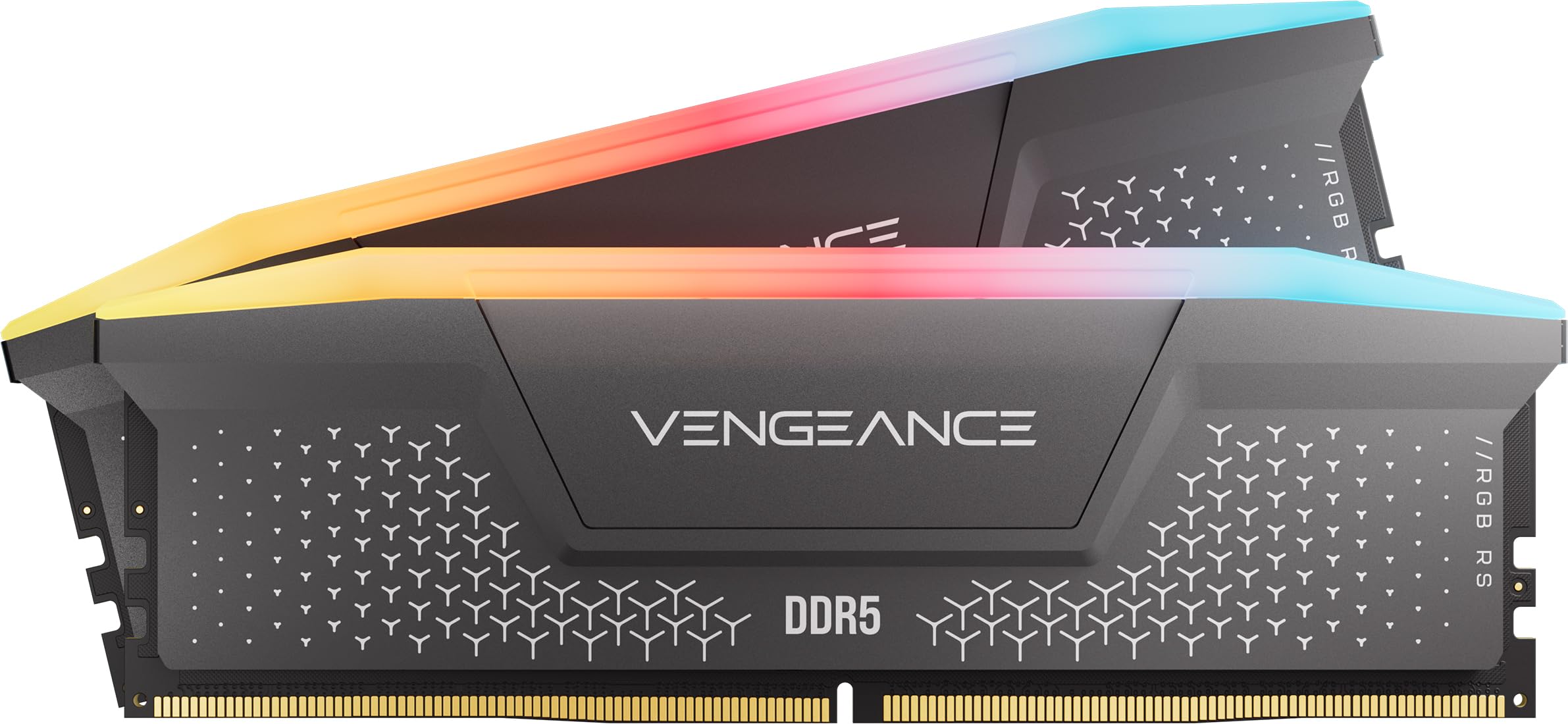
Corsair
Vengeance DDR5 32GB (2x16GB) 5200MHz
Corsair
Vengeance DDR5 32GB (2x16GB) 5600MHz

Corsair
Vengeance DDR5 32GB (2x16GB) 6000MHz

Corsair
Vengeance RGB DDR5 32GB (2x16GB) 6000MHz

Corsair
Vengeance RGB DDR5 32GB (2x16GB) 6400MHz

Corsair
Vengeance DDR5 16GB (2x8GB) 5200MHz

Corsair
Vengeance LPX 64GB (2x32GB) 3200MHz

Corsair
Vengeance RGB Pro 64GB (2x32GB) 3600MHz

Corsair
Dominator Platinum RGB DDR4 32GB (2x16GB) 3600MHz
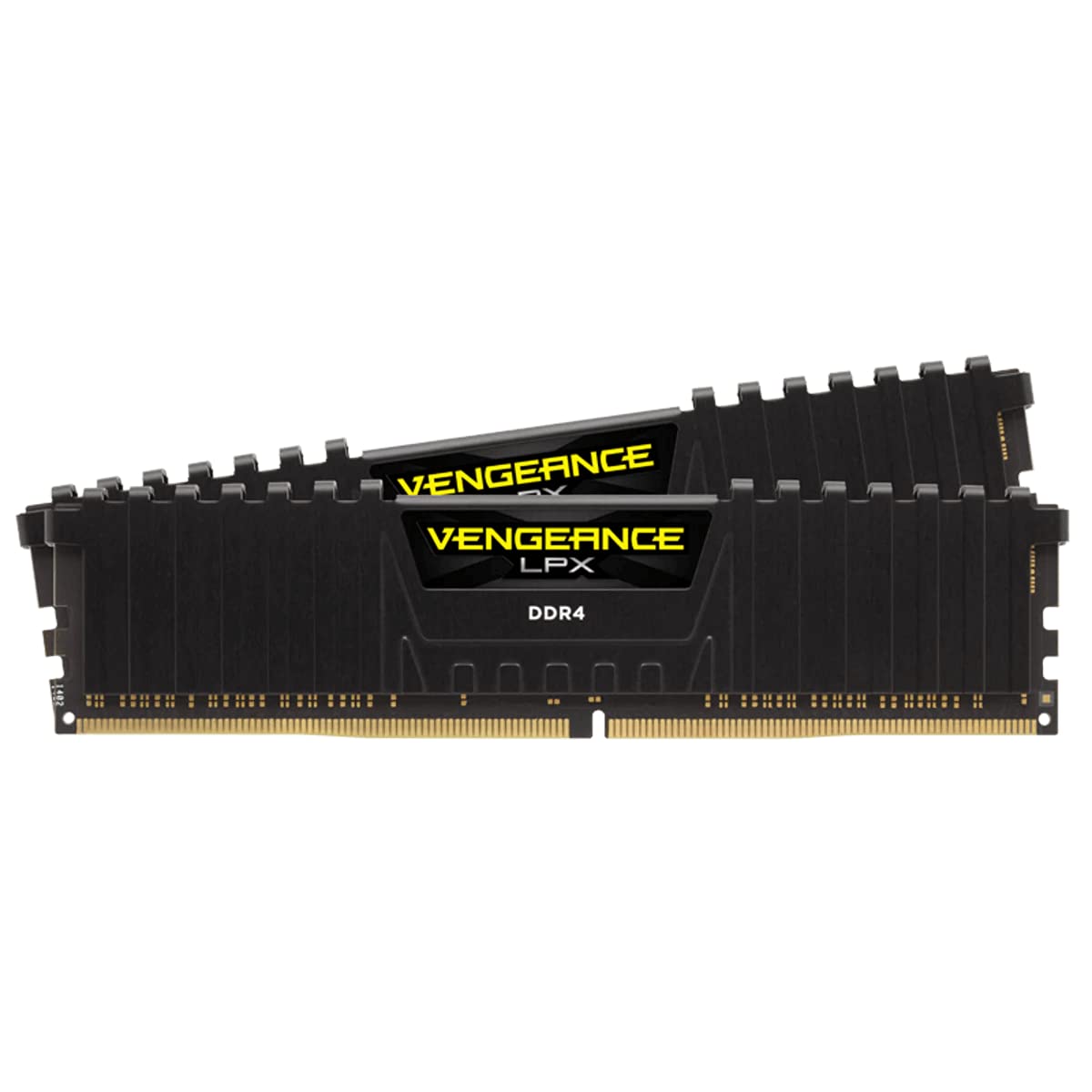
Corsair
Vengeance LPX 32GB (2x16GB) 3200MHz

Corsair
Vengeance LPX 32GB (2x16GB) 3600MHz

Corsair
Vengeance RGB Pro 32GB (2x16GB) 3200MHz

Corsair
Vengeance RGB Pro 32GB (2x16GB) 3600MHz

Corsair
CMK16GX4M2B3200C16 16GB (2x8GB)

Corsair
Vengeance LPX 16GB (2x8GB) 3000MHz
Corsair
Vengeance LPX 16GB (2x8GB) 3200MHz

Corsair
Vengeance LPX 16GB (2x8GB) 3600MHz

Corsair
Vengeance RGB Pro 16GB (2x8GB) 3600MHz

Crucial
Pro DDR5 64GB (2x32GB) 5600MHz
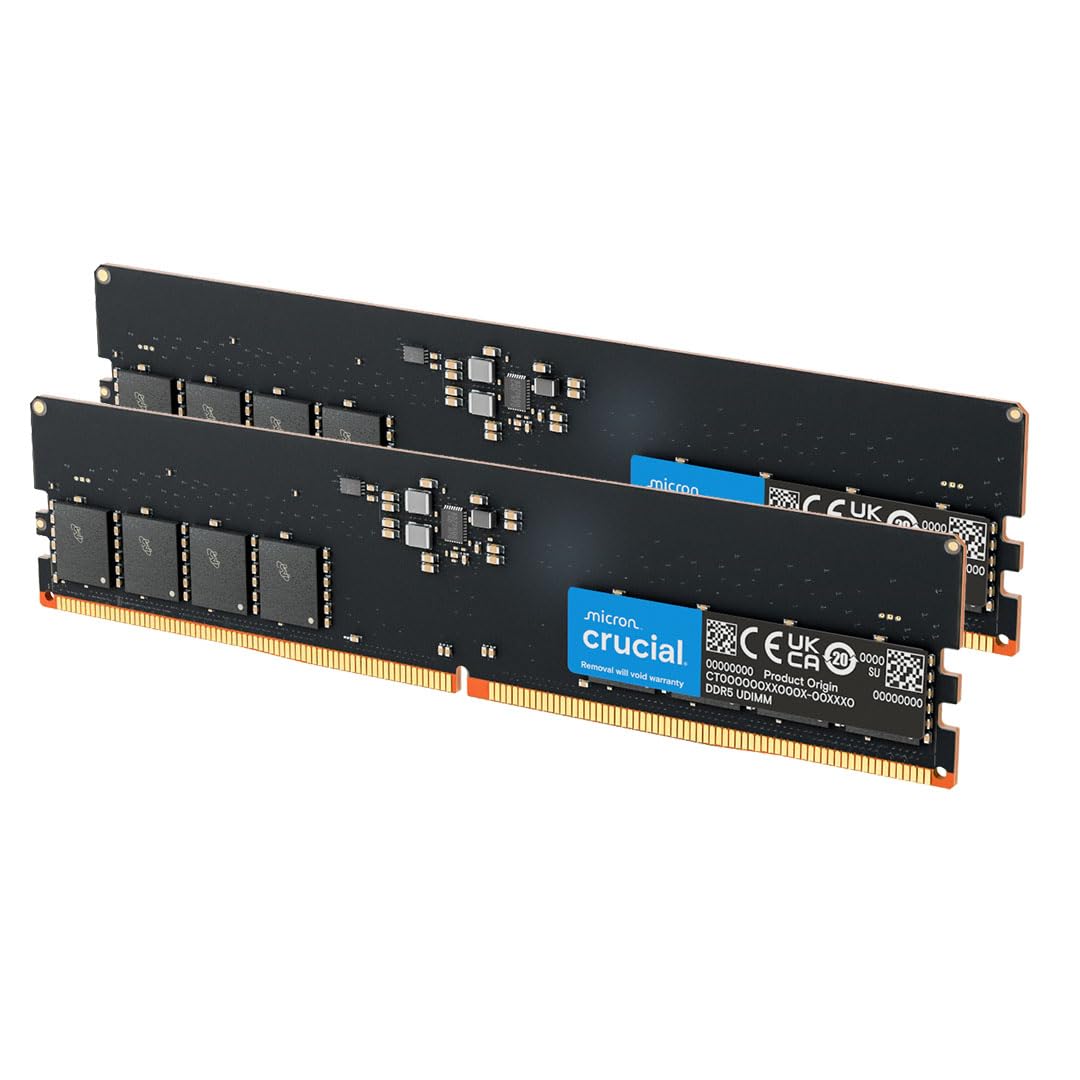
Crucial
DDR5 32GB (2x16GB) 4800MHz
Crucial
DDR5 32GB (2x16GB) 5600MHz
Crucial
Pro DDR5 32GB (2x16GB) 5600MHz

Crucial
Pro Overclocking DDR5 32GB (2x16GB) 6000MHz

Crucial
Pro Overclocking DDR5 32GB (2x16GB) 6400MHz
Crucial
DDR5 16GB (2x8GB) 4800MHz

Crucial
Ballistix 32GB (2x16GB) 3200MHz
Crucial
Ballistix MAX 32GB (2x16GB) 4000MHz

Crucial
Ballistix 16GB (2x8GB) 3200MHz
Crucial
Ballistix 16GB (2x8GB) 3600MHz
Crucial
Ballistix RGB 16GB (2x8GB) 3600MHz

G.Skill
Flare X5 64GB (2x32GB) 6000MHz

G.Skill
Trident Z5 Neo RGB 64GB (2x32GB) 6000MHz
G.Skill
Trident Z5 RGB 64GB (2x32GB) 6000MHz

G.Skill
Trident Z5 Royal 48GB (2x24GB) 6400MHz

G.Skill
Flare X5 32GB (2x16GB) 5600MHz
G.Skill
Flare X5 32GB (2x16GB) 6000MHz
Häufige Fragen zum Gaming-RAM
Wie viel RAM brauche ich 2026 fürs Gaming?
16 GB sind das Minimum für flüssiges Gaming 2026: die meisten modernen Spiele verbrauchen 8 bis 12 GB. 32 GB werden empfohlen, wenn man gleichzeitig streamt, Videos schneidet oder viele Browser-Tabs offen hat. 64 GB sind nur für Workstations oder professionelles Editing sinnvoll.
DDR4 oder DDR5: Lohnt sich der Upgrade?
DDR5 ist der Standard für neue Plattformen wie AM5 (Ryzen 7000+) und LGA1851 (Intel Core Ultra 200). Bei einem Neubau ist DDR5 die richtige Wahl. DDR4 bleibt ausgezeichnet für AM4- oder LGA1700-Builds: Der reale Gaming-Leistungsunterschied liegt in den meisten Spielen unter 5%.
Ab welcher RAM-Geschwindigkeit merkt man Unterschiede?
Auf AM5 und AM4 hat die RAM-Geschwindigkeit echten Einfluss: Von 3200 MHz auf 6000 MHz (DDR4-Äquivalent) können 5-10% Gewinn in Titeln wie Cyberpunk oder Starfield erzielt werden. Die optimale Geschwindigkeit für Ryzen AM4 ist DDR4-3600 CL16-18; für AM5 DDR5-6000 CL30-32.
Muss ich XMP/EXPO im BIOS aktivieren?
Ja, unbedingt. Ohne XMP (Intel) oder EXPO (AMD) läuft der RAM nur mit der JEDEC-Basisgeschwindigkeit (DDR4-2133 oder DDR5-4800), weit unter der beworbenen Geschwindigkeit. XMP/EXPO im BIOS zu aktivieren ist der erste Schritt nach der RAM-Installation und beeinträchtigt bei zertifizierten Kits nicht die Systemstabilität.