Motherboards
Browse the complete catalog of gaming motherboards indexed on FPSpilot. Each board includes socket, chipset, form factor and compatible CPUs. Compare AMD and Intel motherboards to build the perfect foundation for your gaming PC.

MSI
PRO B650M-A WiFi

MSI
PRO B660M-A WiFi
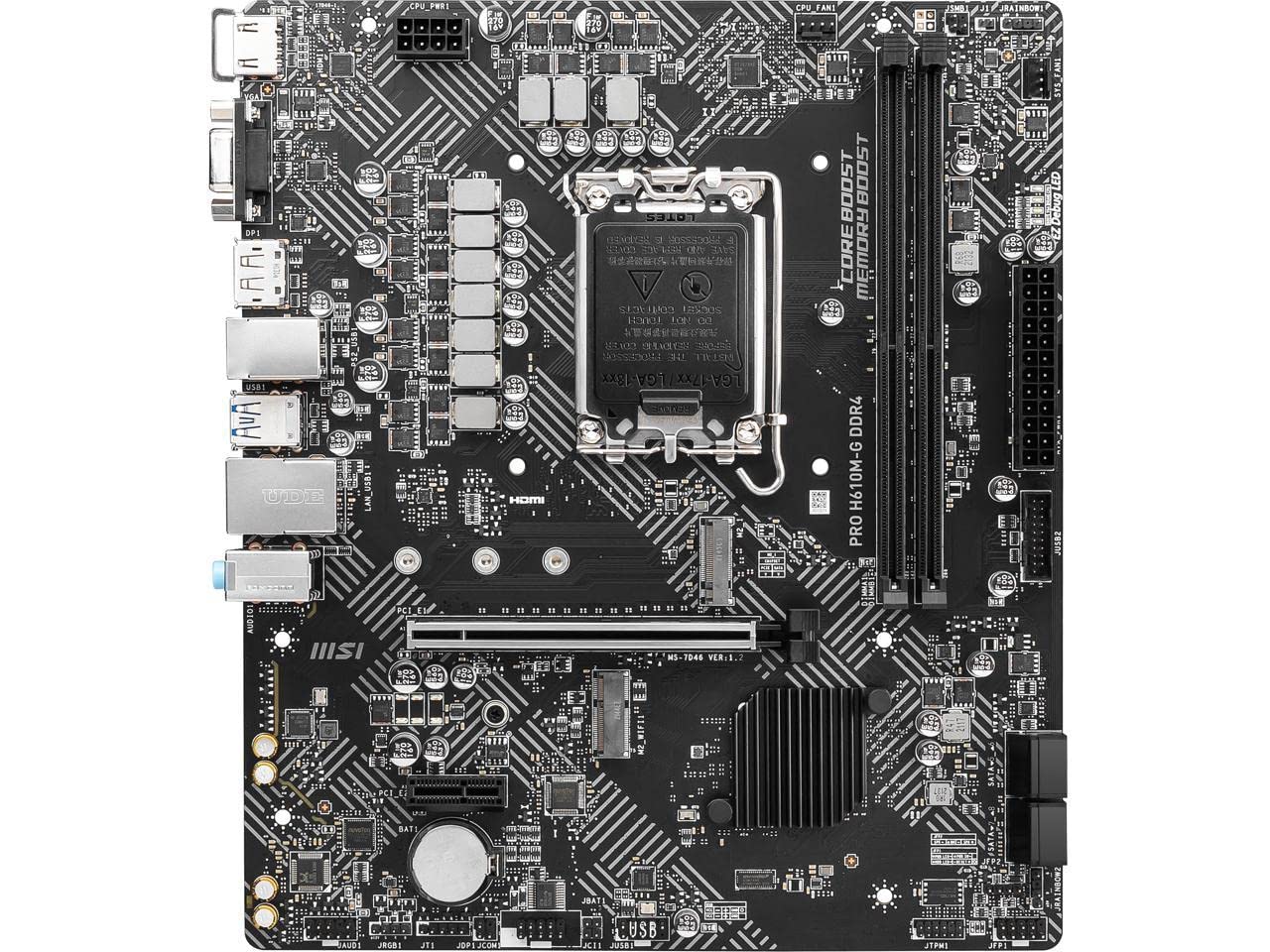
MSI
PRO H610M-E
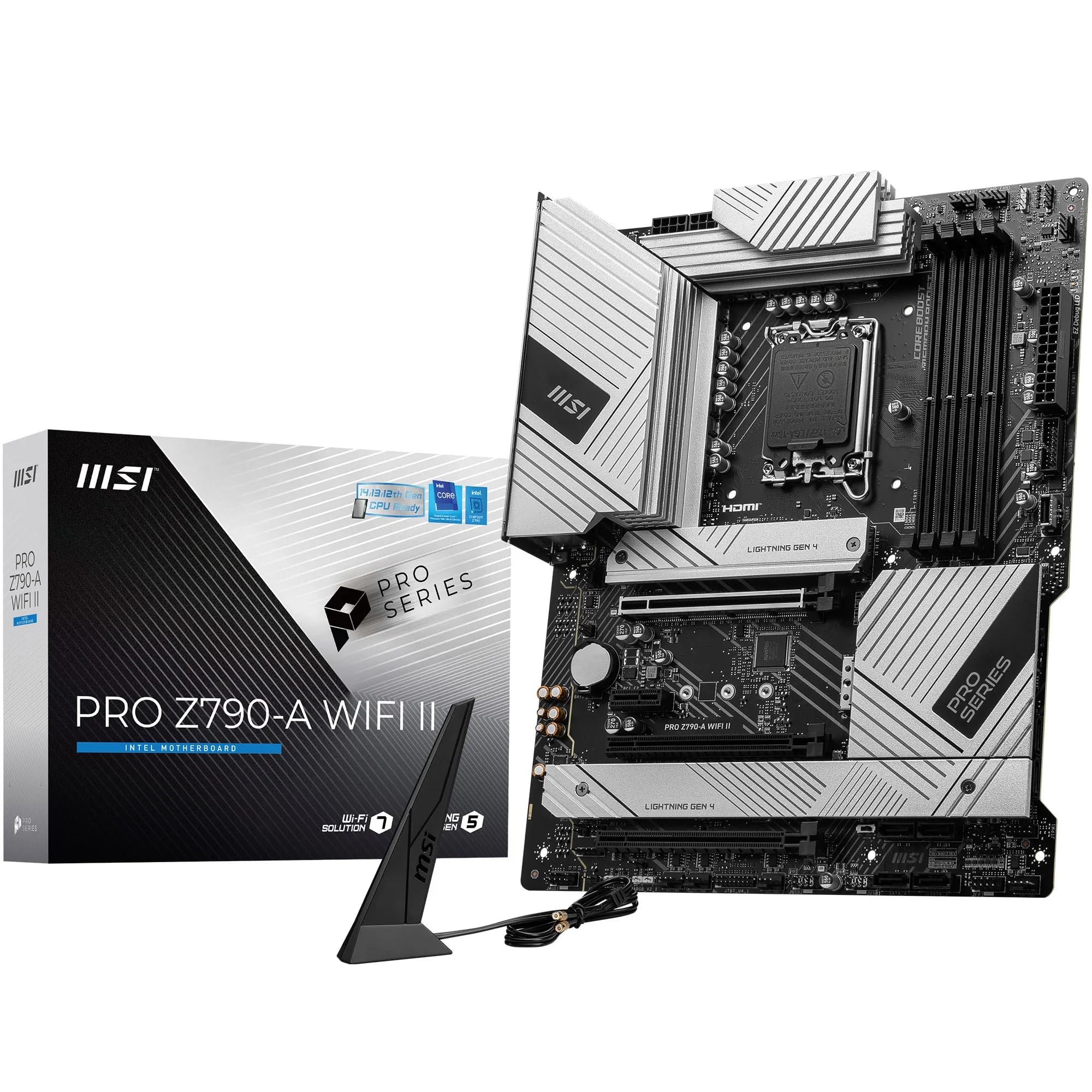
MSI
PRO Z790-A WiFi

MSI
MAG B560 Tomahawk WiFi

MSI
MAG Z690 Tomahawk WiFi

MSI
B550-A Pro
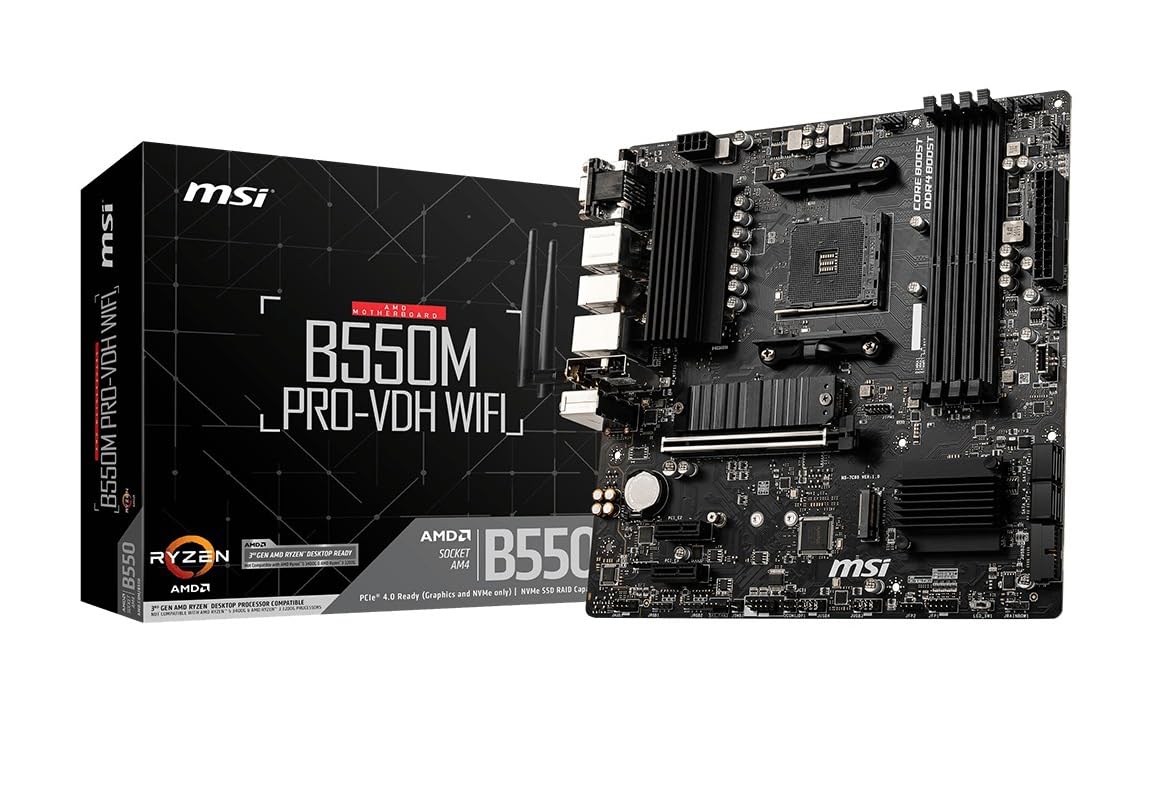
MSI
B550M PRO-VDH WiFi

MSI
MAG B550 Tomahawk
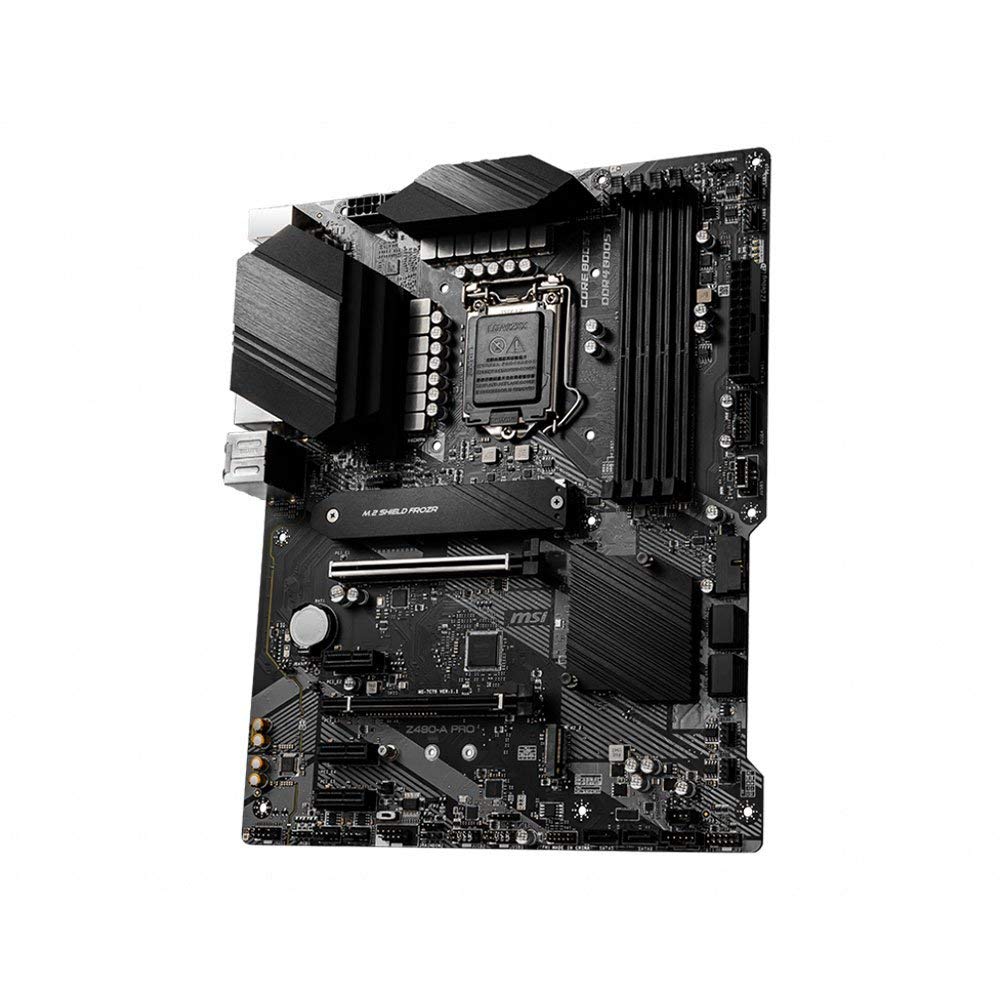
MSI
Z490-A Pro

MSI
B450 Gaming Plus Max

MSI
B450 Tomahawk Max

MSI
B450M PRO-VDH Max

MSI
MPG X570 Gaming Plus

MSI
H310M PRO-VDH Plus

MSI
Z390-A Pro
Frequently asked questions about motherboards
Which motherboard to choose for AMD Ryzen 7000/9000?
For Ryzen 7000/9000 (AM5) B650 chipset boards are the balanced choice: they support PCIe 5.0, DDR5 and have good VRM for moderate overclocking. X670E adds more PCIe 5.0 lanes for next-gen NVMe drives. The A620 chipset is the budget option without overclocking support.
What does ATX, mATX or ITX form factor mean?
Form factor determines the physical size of the board and the case it fits. ATX (305×244mm) is the standard with the most slots and expansion options. mATX (244×244mm) is more compact but loses some slots. Mini-ITX (170×170mm) is ideal for small builds though it limits expansion. Choose based on the case size you want.
Does the motherboard chipset matter for gaming?
For pure gaming a mid-range chipset (B650, B760, B550) is more than sufficient. Premium chipsets (X670E, Z790) provide more PCIe lanes, advanced overclocking support and enthusiast features but do not improve in-game FPS. The VRM (voltage regulators) matters if you plan to overclock.
Do I need to update the BIOS before installing my CPU?
It depends on the board and CPU combination. New B650/X670 boards may ship with older firmware that does not support Ryzen 9000. Many manufacturers include BIOS Flashback (update without a CPU installed). Check the manufacturer website to confirm the minimum compatible BIOS version for your CPU.