RAM
Browse the complete catalog of gaming RAM indexed on FPSpilot. Each kit includes its type (DDR4/DDR5), speed, capacity and compatible motherboards. Find the best memory for your AMD AM5, AM4 or Intel build.
G.Skill
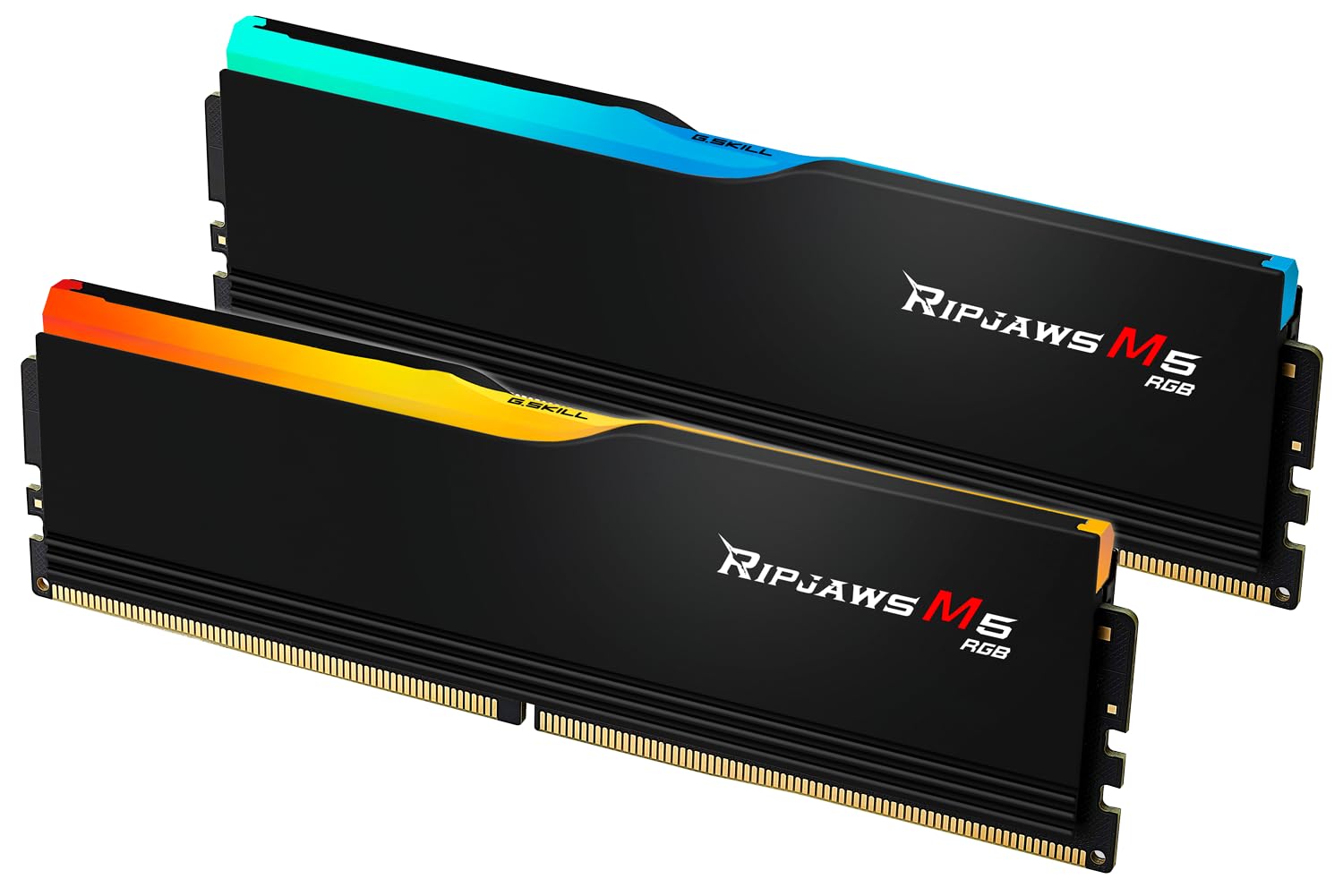
Ripjaws M5 RGB 32GB (2x16GB) 6400MHz

G.Skill
Ripjaws S5 32GB (2x16GB) 5600MHz

G.Skill
Trident Z5 Neo RGB 32GB (2x16GB) 6000MHz
G.Skill
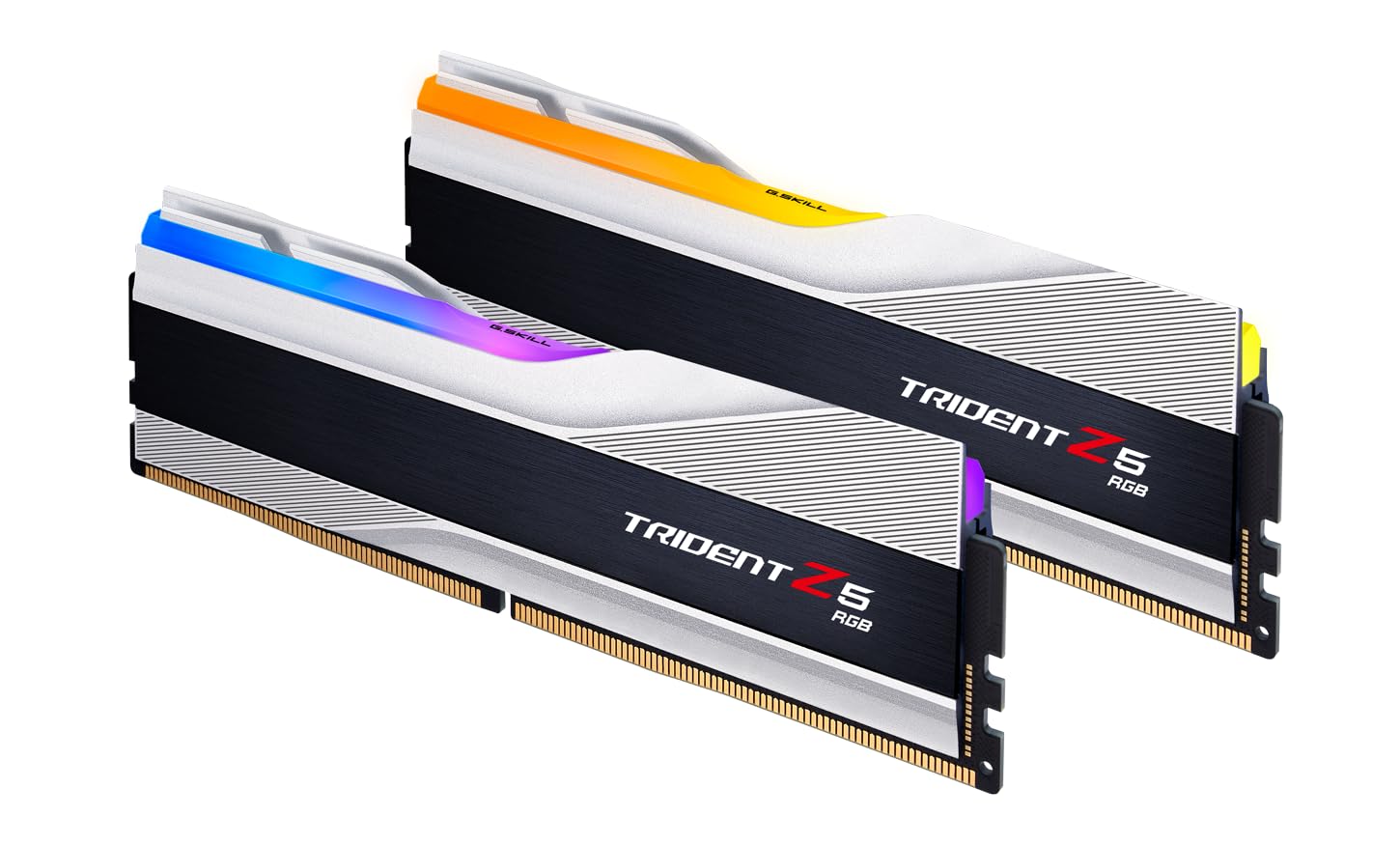
Trident Z5 RGB 32GB (2x16GB) 6000MHz

G.Skill
Trident Z5 RGB 32GB (2x16GB) 6400MHz
G.Skill
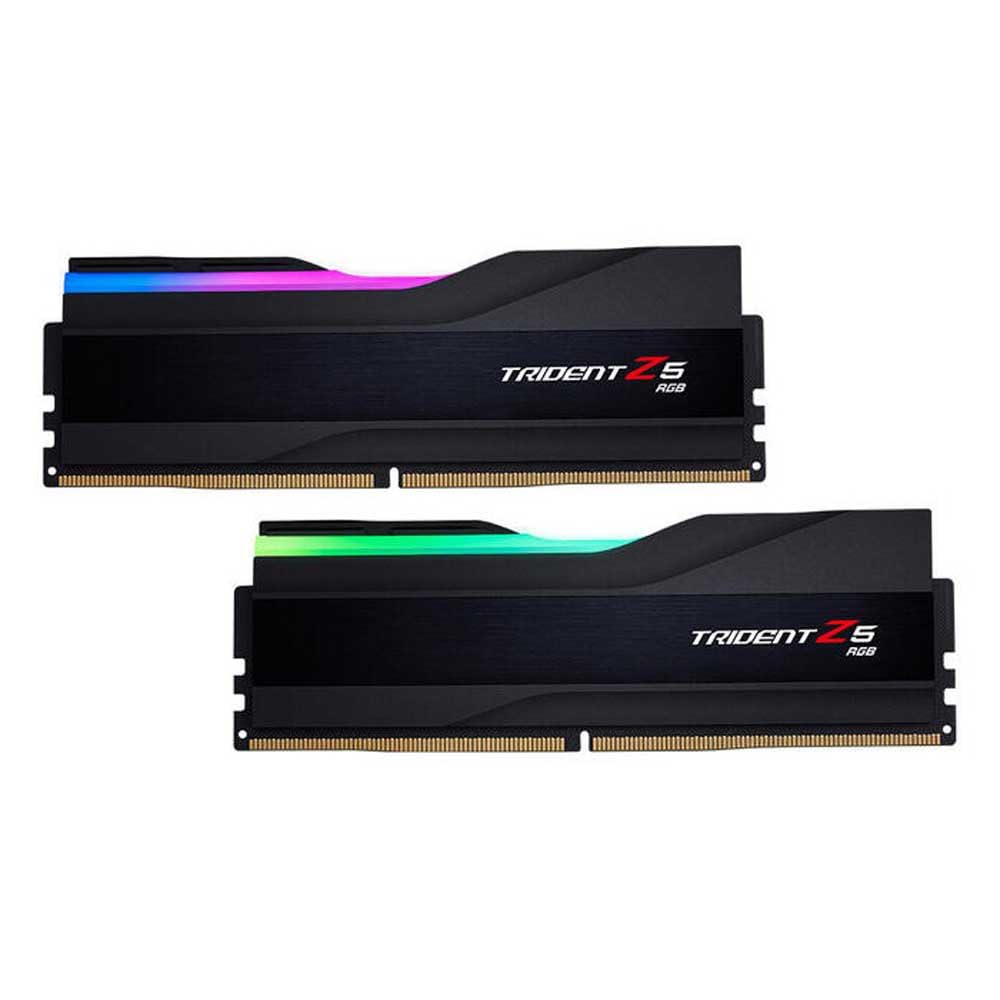
Trident Z5 RGB 32GB (2x16GB) 7200MHz
G.Skill
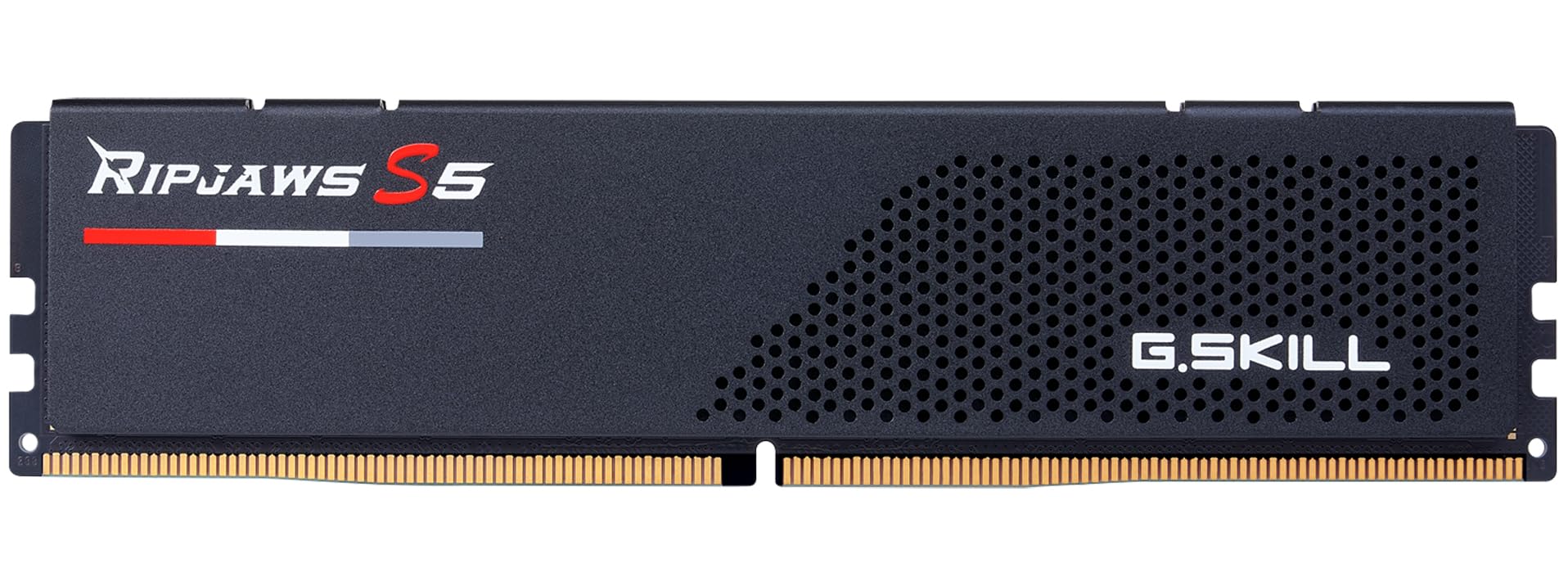
Ripjaws S5 16GB (2x8GB) 5200MHz

G.Skill
Trident Z Neo 64GB (2x32GB) 3600MHz

G.Skill
Ripjaws V 32GB (2x16GB) 3200MHz

G.Skill
Ripjaws V 32GB (2x16GB) 3600MHz

G.Skill
Trident Z Neo 32GB (2x16GB) 3600MHz
G.Skill
Trident Z RGB 32GB (2x16GB) 3600MHz

G.Skill
Aegis 16GB (2x8GB) 3000MHz

G.Skill
Aegis 16GB (2x8GB) 3200MHz

G.Skill
Ripjaws V 16GB (2x8GB) 3200MHz
G.Skill
Ripjaws V 16GB (2x8GB) 3600MHz

G.Skill
Trident Z Neo 16GB (2x8GB) 3600MHz
G.Skill
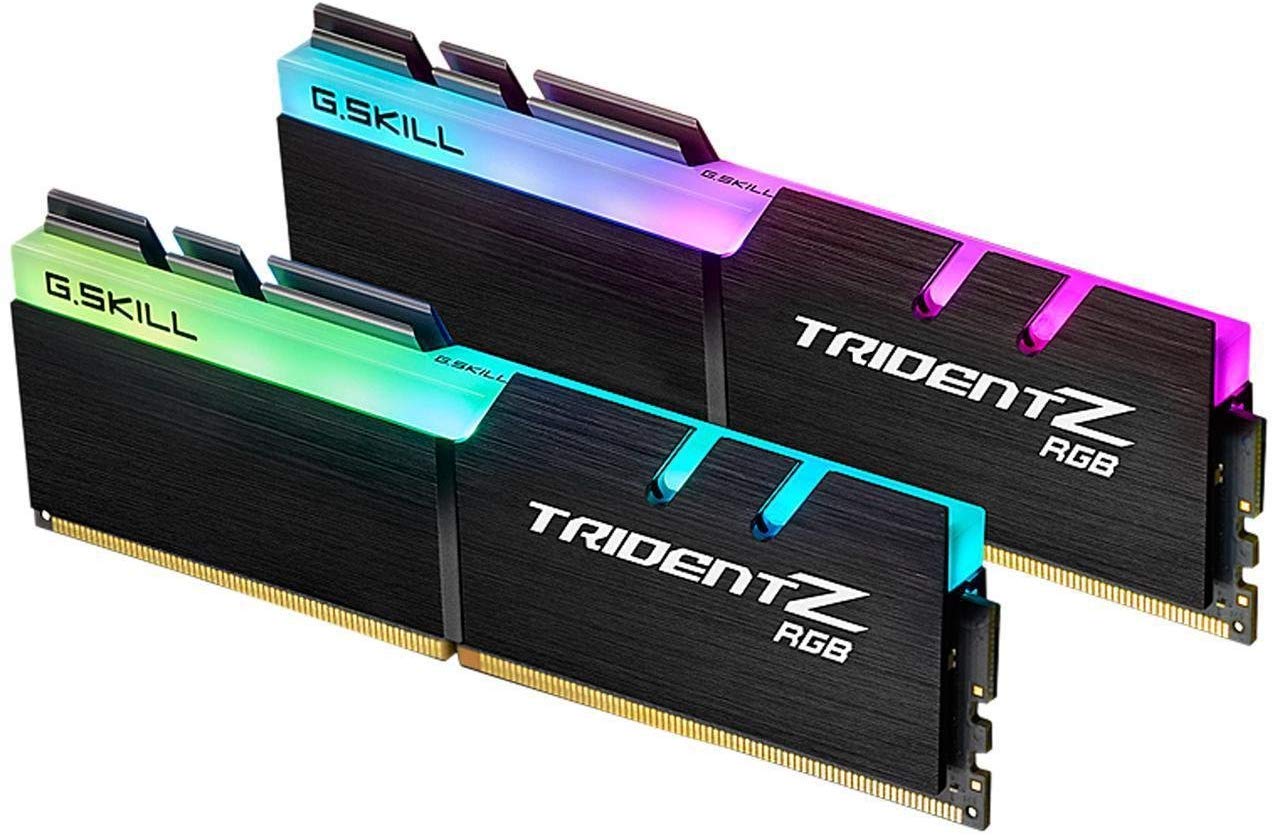
Trident Z RGB 16GB (2x8GB) 3200MHz

Kingston
Fury Beast DDR5 64GB (2x32GB) 5600MHz

Kingston
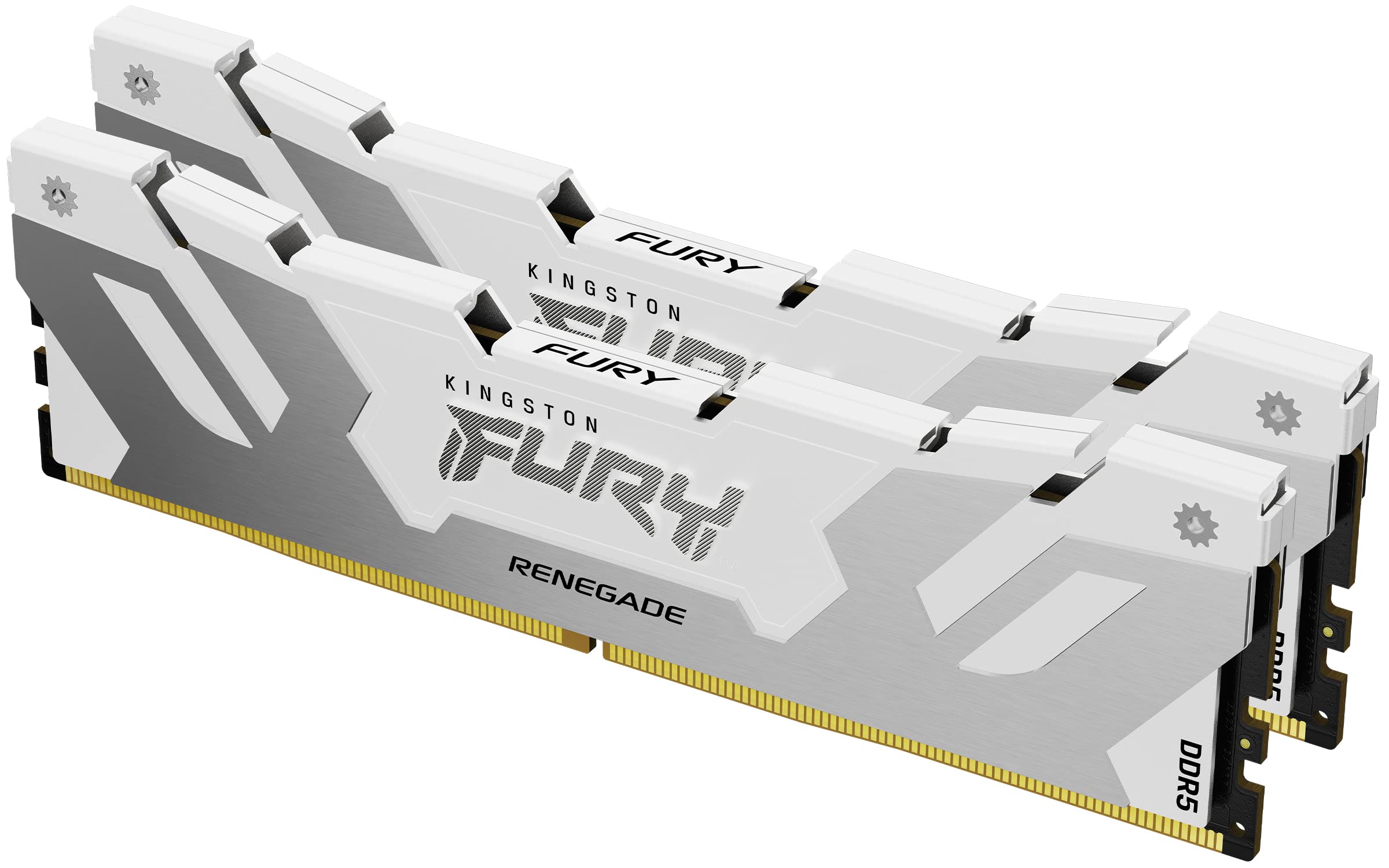
Fury Renegade DDR5 64GB (2x32GB) 6000MHz
Kingston
Fury Renegade RGB DDR5 48GB (2x24GB) 7200MHz

Kingston
Fury Beast DDR5 32GB (2x16GB) 5200MHz
Kingston
Fury Beast DDR5 32GB (2x16GB) 5600MHz

Kingston
Fury Beast DDR5 32GB (2x16GB) 6000MHz

Kingston
Fury Beast RGB DDR5 32GB (2x16GB) 6000MHz

Kingston
Fury Renegade DDR5 32GB (2x16GB) 6400MHz

Kingston
Fury Beast DDR5 16GB (2x8GB) 5200MHz

Kingston
Fury Beast DDR5 16GB (2x8GB) 6000MHz

Kingston
Fury Beast DDR4 64GB (2x32GB) 3200MHz
Kingston
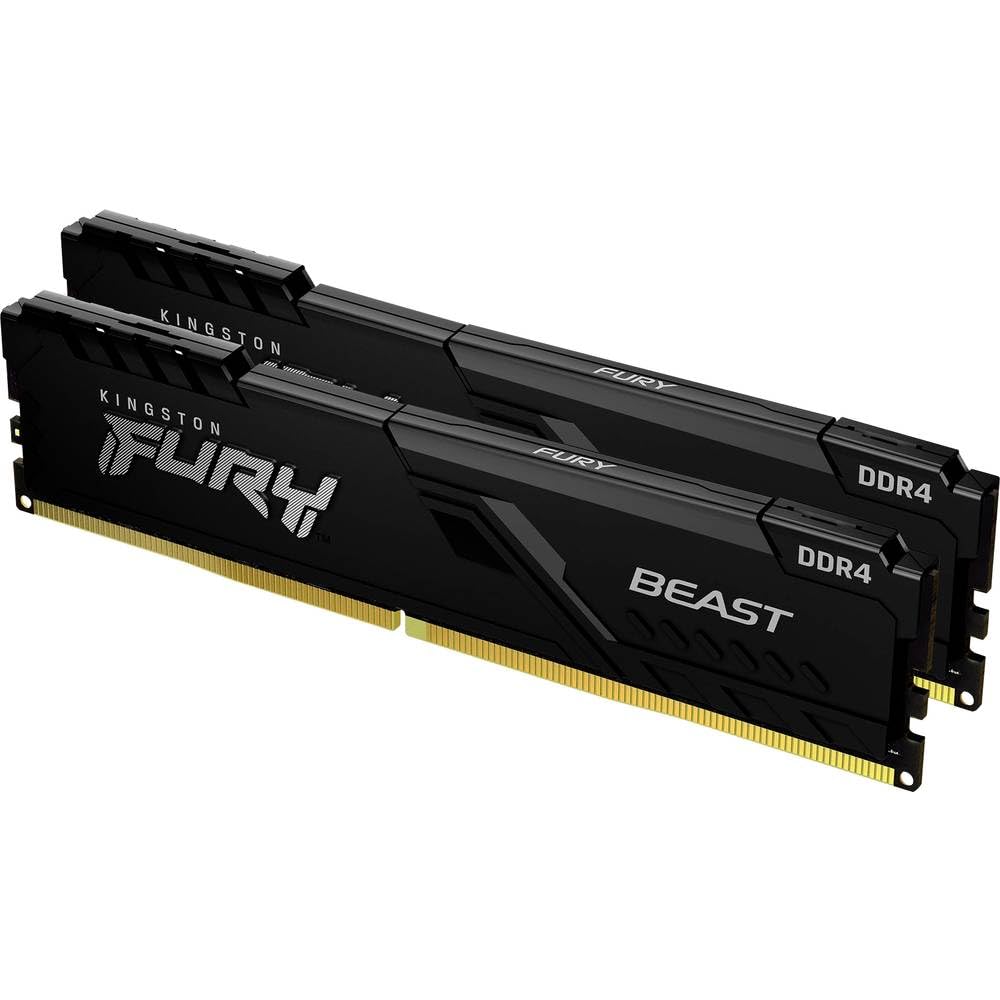
Fury Beast DDR4 32GB (2x16GB) 3200MHz
Kingston
Fury Beast DDR4 32GB (2x16GB) 3600MHz

Kingston
Fury Renegade DDR4 32GB (2x16GB) 3600MHz
Kingston
KF3200C16D4/16GX 32GB (2x16GB)
Kingston
Fury Beast DDR4 16GB (2x8GB) 3200MHz
Kingston
Fury Beast DDR4 16GB (2x8GB) 3600MHz

Kingston
Fury Beast RGB DDR4 16GB (2x8GB) 3200MHz

Kingston
Fury Renegade DDR4 16GB (2x8GB) 3600MHz
Kingston
HyperX Fury 16GB (2x8GB) 3200MHz

Lexar
Ares DDR5 32GB (2x16GB) 6000MHz

Lexar
Ares RGB DDR5 32GB (2x16GB) 6400MHz

Patriot
Viper Venom DDR5 32GB (2x16GB) 6000MHz

Patriot
Viper Venom RGB DDR5 32GB (2x16GB) 6200MHz

Patriot
Viper Xtreme 5 32GB (2x16GB) 7600MHz
Patriot
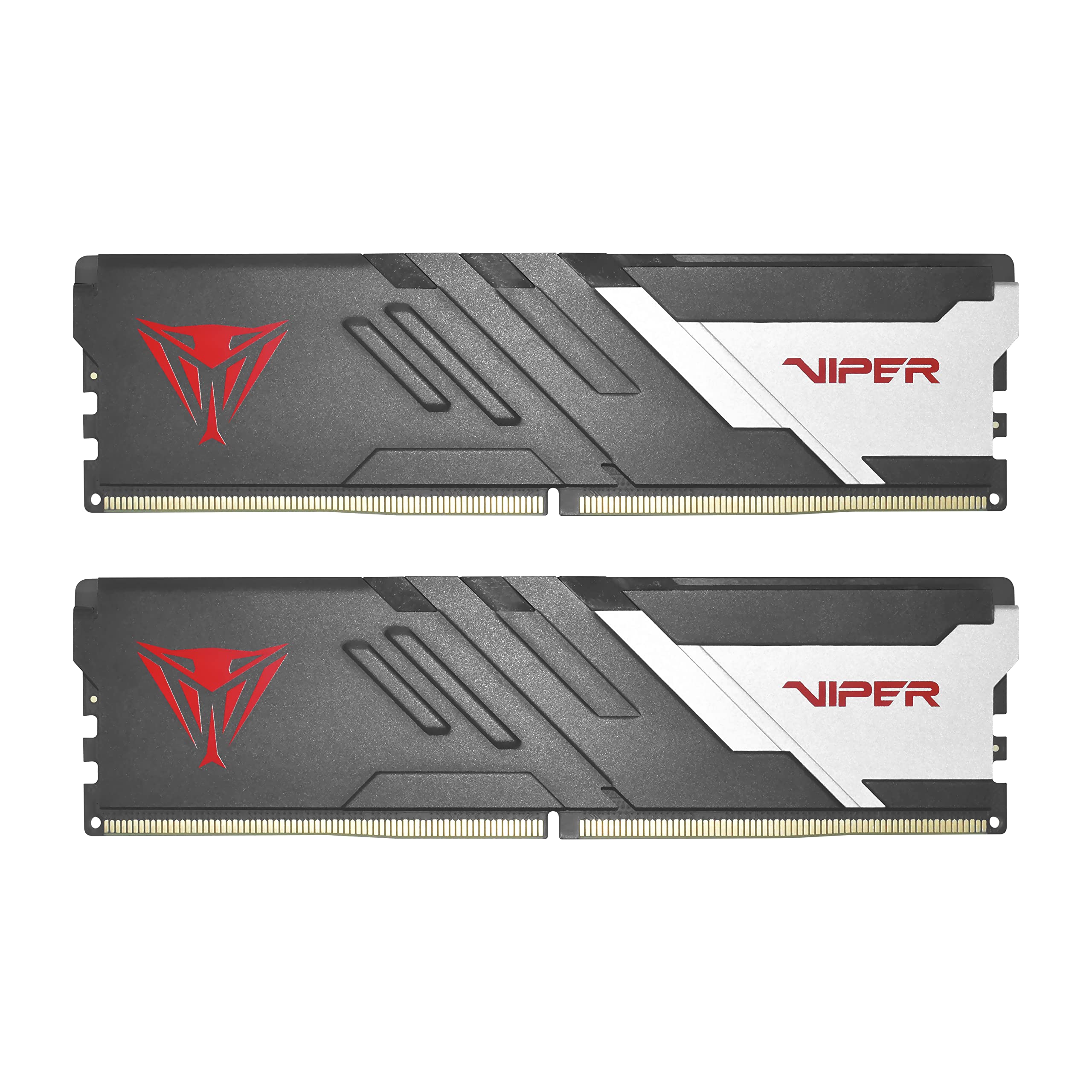
Viper Venom DDR5 16GB (2x8GB) 5600MHz

Patriot
Viper 4 Blackout 32GB (2x16GB) 3600MHz

Patriot
Viper Steel 32GB (2x16GB) 3200MHz

Patriot
Viper 4 Blackout 16GB (2x8GB) 3200MHz
Patriot
Viper Steel 16GB (2x8GB) 3200MHz
Frequently asked questions about gaming RAM
How much RAM do I need for gaming in 2026?
16 GB is the minimum for smooth gaming in 2026: most modern games consume between 8 and 12 GB. 32 GB is recommended if you also stream, edit video or keep many browser tabs open. 64 GB only makes sense for workstations or professional editing.
DDR4 or DDR5: is the upgrade worth it?
DDR5 is the standard for new platforms like AM5 (Ryzen 7000+) and LGA1851 (Intel Core Ultra 200). If building a new system choosing DDR5 makes sense. DDR4 remains excellent for AM4 or LGA1700 builds: real gaming performance differences are under 5% in most titles.
At what RAM speed do you notice a difference in games?
On AM5 and AM4 RAM speed does impact performance: from 3200 MHz to 6000 MHz (DDR4-equivalent) you can see 5-10% gains in titles like Cyberpunk or Starfield. The optimal speed for Ryzen AM4 is DDR4-3600 CL16-18; for AM5 it is DDR5-6000 CL30-32. Intel is less sensitive to RAM speed.
Is it important to enable XMP/EXPO in the BIOS?
Yes, very important. Without enabling XMP (Intel) or EXPO (AMD) the RAM runs at base JEDEC speed (DDR4-2133 or DDR5-4800), well below its rated speed. Enabling XMP/EXPO in the BIOS is the first step after installing RAM and does not affect system stability with certified kits.